Learning goals
- Understand the logic of connecting forms, documents, spreadsheets, and AI tools.
- Describe repeated work in terms of inputs, processing, outputs, and review points.
- Design one workflow blueprint.
Key ideas
Workflow design becomes more stable when learners clearly define inputs, processing steps, outputs, and human checkpoints.
This is why workflow thinking appears after conceptual understanding and tool choice in the course sequence.
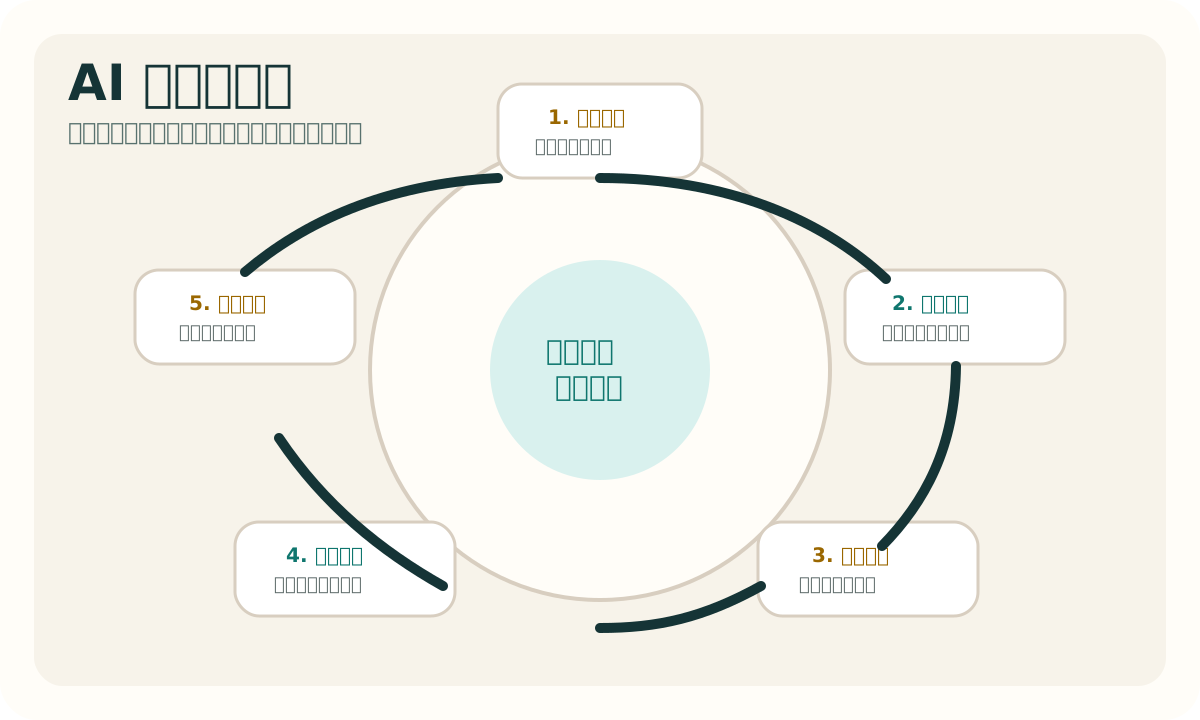
Visual cases
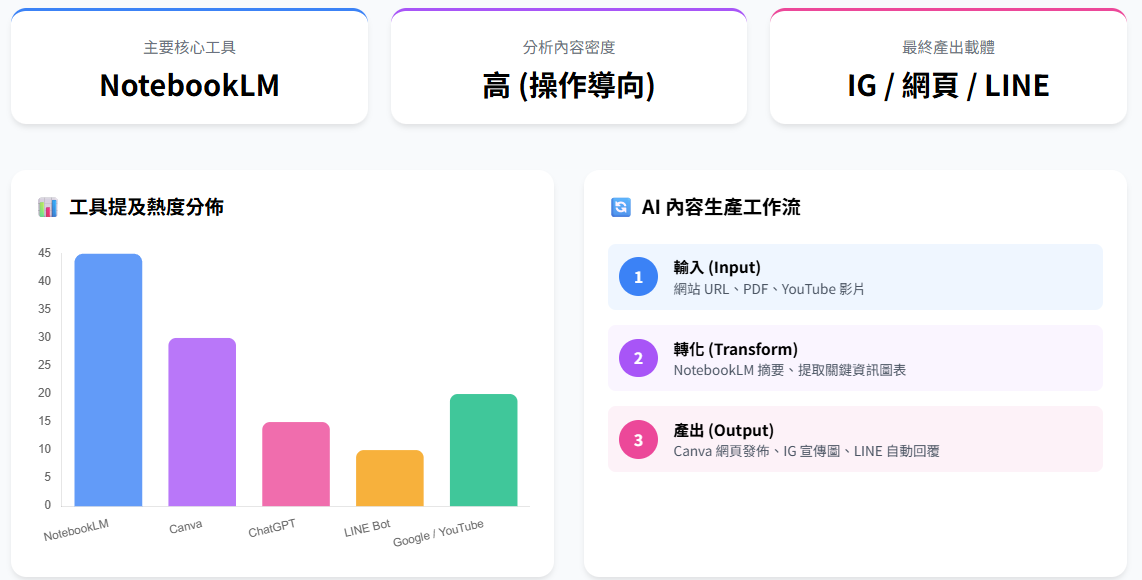
This image helps learners translate abstract workflow logic into concrete stages of input, generation, review, and publishing.
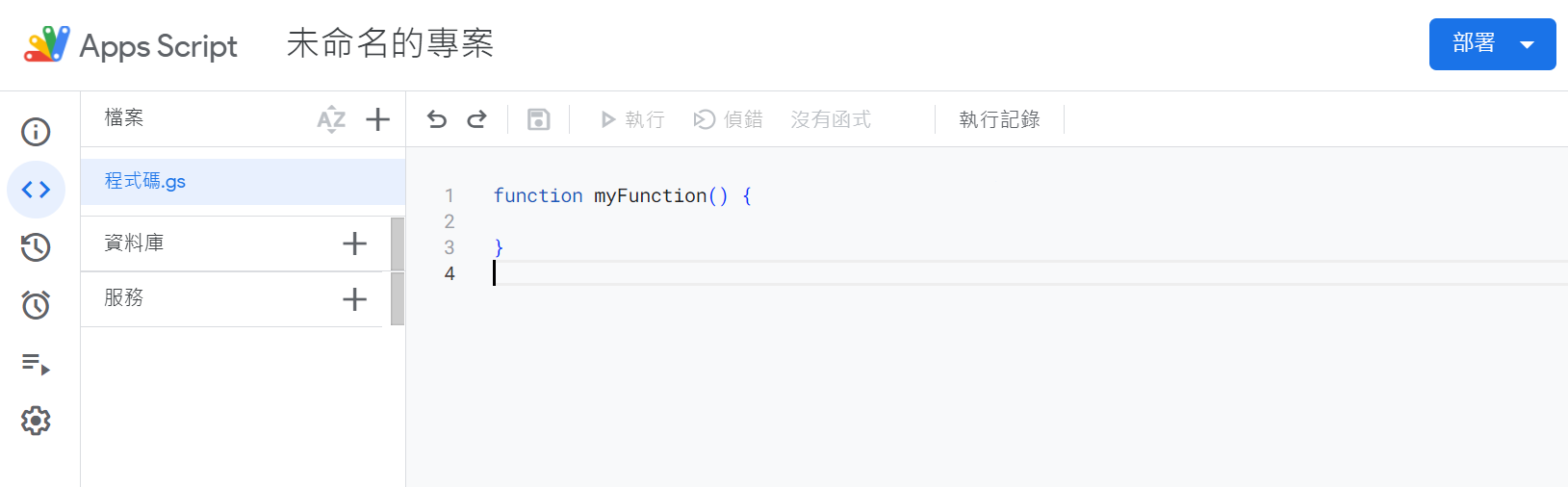
The Apps Script screen offers a practical example of low-barrier automation connected to forms, sheets, and notifications.
Activities
Activity 1: Work decomposition
Select one repeated task and break it into data input, rules, output format, and exception handling.
Activity 2: Workflow blueprint
Draw a diagram or structured list that explains an AI-enabled process and its review points.
Task
Submit a workflow blueprint describing purpose, data sources, steps, outputs, and risk controls.
Further viewing
This unit pairs especially well with workflow demonstrations, Apps Script examples, and cloud integration videos that show how inputs, processing, outputs, and human review fit together.